
Wide views and tour-ready assets
Real Estate Panorama Photo Stitching Services
Panorama photo stitching for real estate listings, virtual tours, wide room views, and smooth property presentation with clean seams.
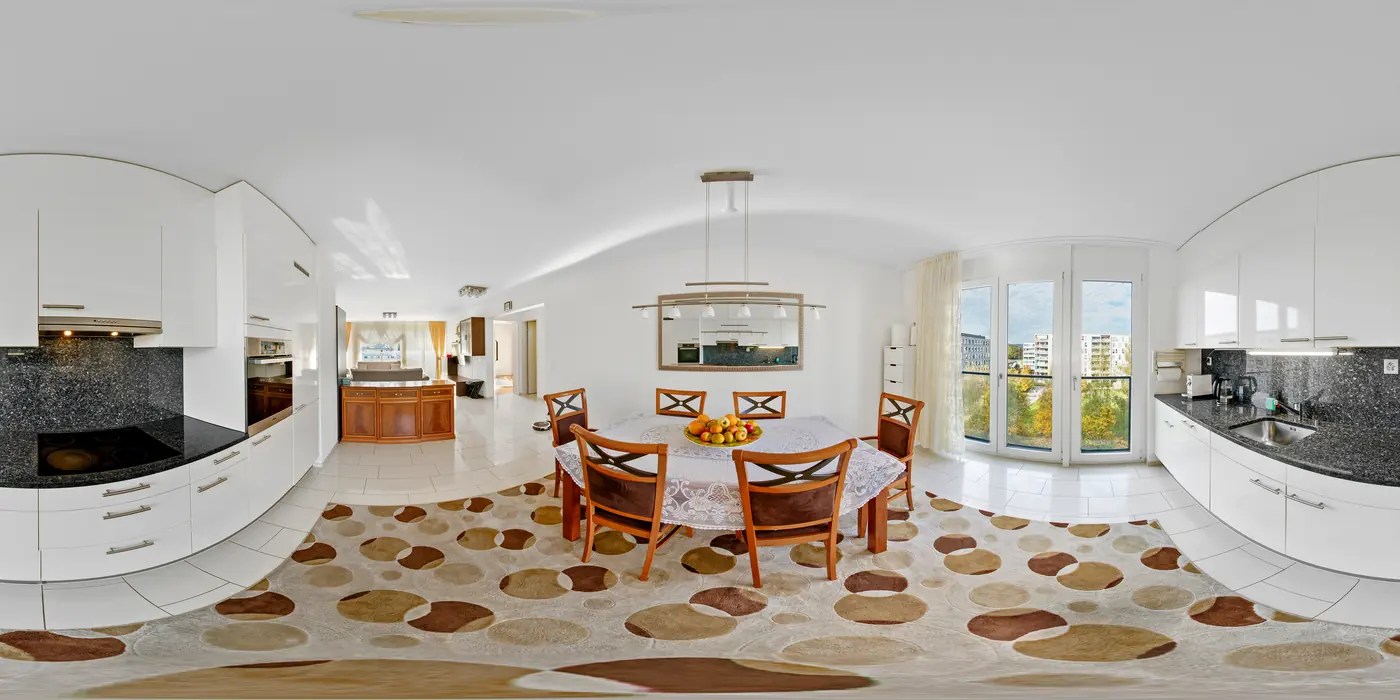
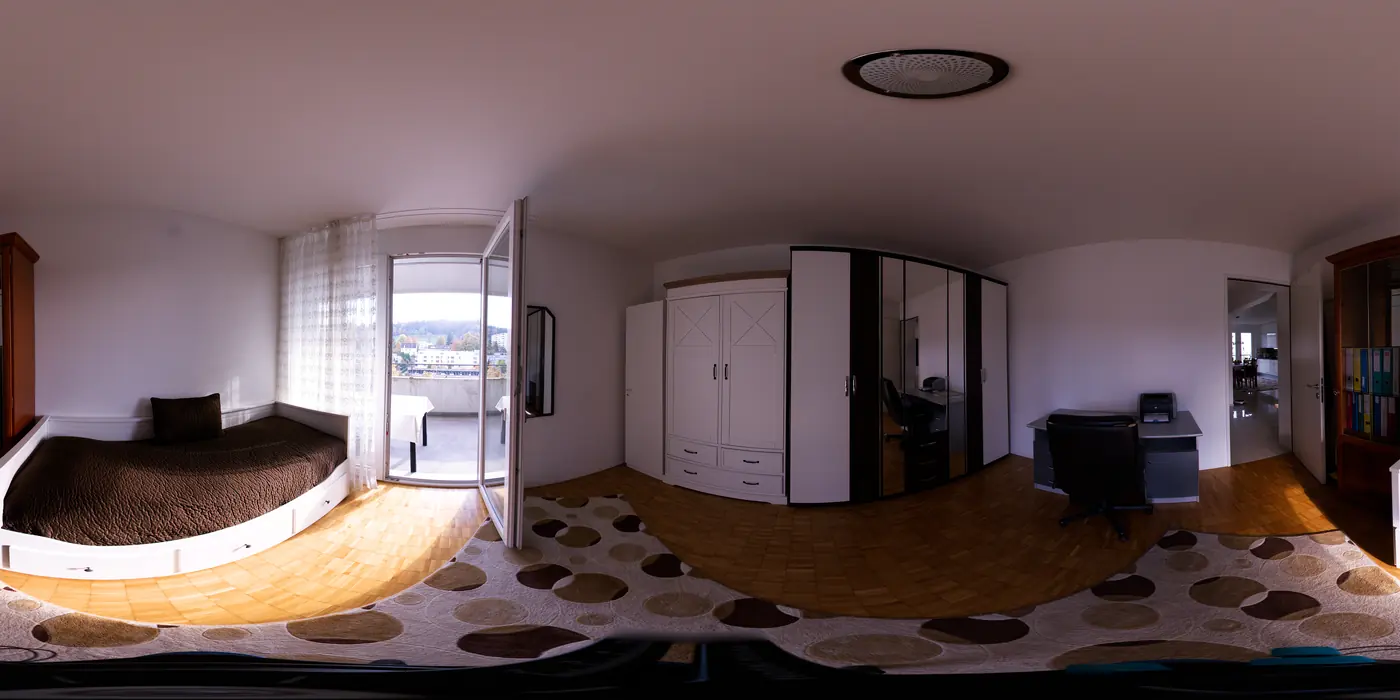
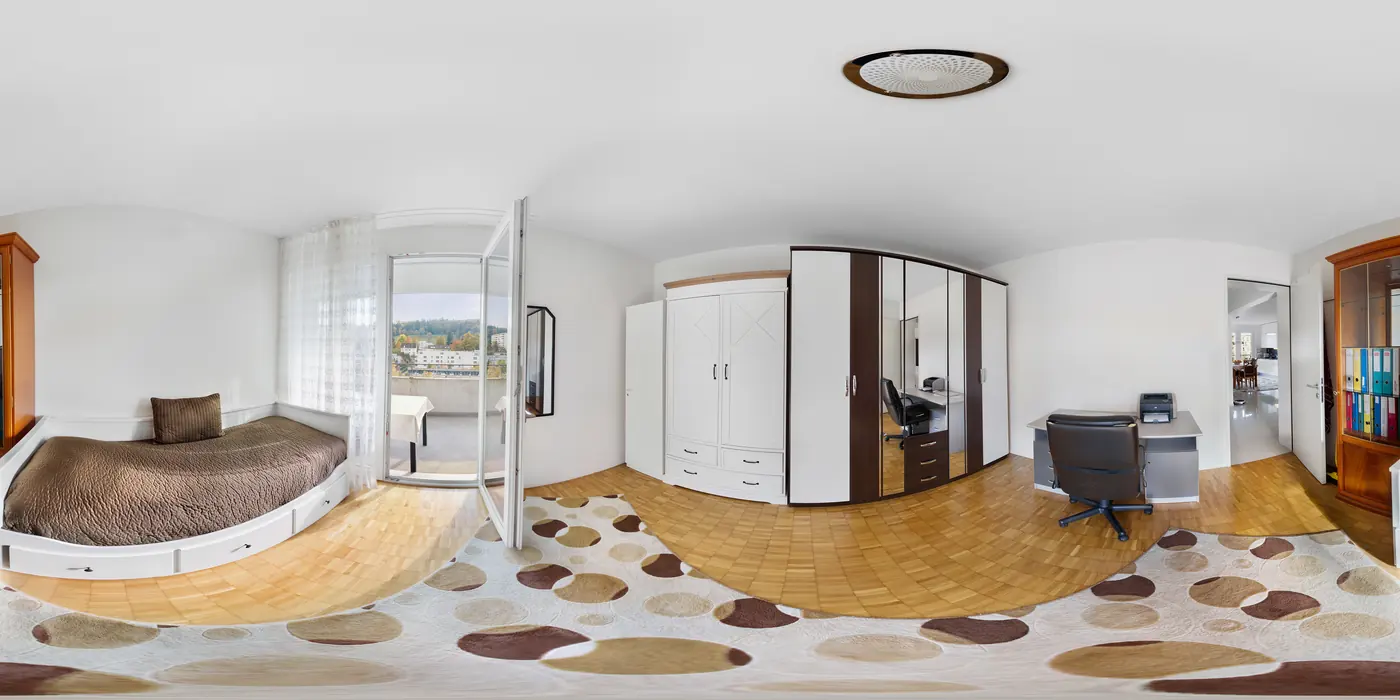
Before and after
Create immersive property visuals without awkward seams.
Real estate panorama photo stitching is useful when a normal wide-angle frame cannot explain the space. A good panorama helps buyers understand large rooms, open-plan interiors, views, outdoor areas, and virtual-tour context while keeping seams, exposure changes, repeated details, and stretched architecture under control.
Start With a SampleWhy it matters
Panorama photo stitching helps buyers understand space faster.
Some properties need more than a standard wide-angle image. Panorama photo stitching can show room flow, outdoor context, large interiors, commercial spaces, and virtual-tour views in one smooth asset when the source frames are captured correctly.
Better spatial understanding
A clean panorama helps buyers read how rooms connect, how large spaces feel, and where important views or features sit inside the property.
Useful for tours and property pages
Stitched panorama images can support virtual tours, hero sections, website galleries, brochures, and premium listing presentations.
Polished without misleading buyers
The goal is a wider view that feels natural. We control seams, distortion, exposure shifts, and stretched edges so the space stays believable.
What you get
Panorama work that feels wide without looking warped.
Real estate panorama photo stitching should create a smooth immersive view. Buyers should notice the room or property context, not the stitch line, exposure jump, or stretched architecture.
Frame alignment
Overlapping images are aligned so floors, ceilings, walls, railings, and outdoor views connect cleanly.
Seam cleanup
Visible joins, ghosting, repeated details, and broken architectural lines are corrected where the source allows.
Exposure matching
Brightness and color are balanced from frame to frame so the panorama does not shift as buyers scan it.
Distortion control
Wide views are shaped to feel immersive without making rooms look stretched or misleading.
Tour-ready preparation
Files can be prepared for virtual tours, property websites, wide gallery views, and immersive presentations.
Gallery consistency
Panorama assets are matched to the tone of the rest of the listing photo set.
Cropping and rotation cleanup
Horizons, room alignment, and awkward edges are cropped or rotated so the panorama feels intentional.
Full-view stitching
Multiple frames can be combined into one wider real estate view for rooms, exteriors, virtual tours, and property pages.
Depth and filtering polish
Retouching, filtering, and local depth adjustments help the stitched image feel cleaner without making the space misleading.
Artifact and seam review
Unwanted artifacts, repeated details, ghosting, and rough stitch lines are checked so the final panorama feels clean and continuous.
Accurate alignment for 360 views
Frames are aligned and cropped for smooth wide views, 360 panorama assets, virtual tours, and property-page presentation.
Large-room and exterior views
Living areas, open-plan interiors, balconies, patios, views, and exterior spaces can be stitched when the source images give enough overlap.
Property marketing exports
Final files can be prepared for MLS galleries, real estate websites, virtual-tour platforms, social previews, and client presentation use.
Who this is for
Best for spaces that need immersive context instead of another standard wide shot.
Virtual tours
Prepare wide panoramic assets that feel smooth and consistent inside tour viewers.
Large rooms
Show open spaces, views, and commercial interiors without awkward breaks.
Property websites
Create hero-width visuals that help buyers understand space and setting.
What to send
Panorama stitching works best when the source frames overlap cleanly.
The goal is a wide image or tour asset that feels smooth, not stretched. Clean source frames help protect architecture and buyer trust.
Send Panorama FramesWorkflow
How overlapping frames become one smooth panorama.
The sequence is aligned, stitched, balanced, and checked for seams, distortion, and tour-ready export needs.
Align the frames
We review overlap, perspective, exposure, and any areas likely to create visible stitch problems.
Build the panorama
Frames are stitched, aligned, and blended so walls, floors, ceilings, and outdoor views feel continuous.
Clean the image
Exposure shifts, color mismatches, seams, distortion, and awkward edges are corrected.
Prepare the asset
The final panorama is exported for virtual tours, property pages, marketing galleries, or print.
FAQ
Questions about panorama stitching and editing.
These answers cover source frames, visible seams, virtual-tour use, and how to keep wide views believable.
Send the full sequence of overlapping frames in order. Consistent camera position, exposure, and focus make the final panorama cleaner.
Most stitch lines, exposure jumps, and color changes can be improved if the source frames overlap well enough. Severe movement or missing coverage may limit the result.
Yes. We can prepare wide or tour-ready panorama assets for virtual tour platforms, property websites, and immersive listing presentations.
We aim for a natural wide view. Cropping, alignment, and distortion control help the space feel immersive without making the room misleading.
Yes. Panorama work can include cropping, rotation, exposure matching, seam cleanup, retouching, and local filtering so the final wide image feels polished.
Yes. We review unwanted artifacts, ghosting, repeated details, visible stitch lines, and alignment issues so the final panorama feels smooth and continuous.
Part of the full PixelShouters workflow
Use panorama assets as part of the full listing set.
Panorama photo stitching works best with clean photo enhancement, HDR, aerial edits, and property marketing exports that match the rest of the listing gallery.