
Post-production for real estate photographers
Real Estate Photo Editing Services
Spend more time shooting and less time behind Lightroom. Our real estate photo editing services turn bracketed interiors, exteriors, and drone photos into clean, listing-ready galleries that still look like your work. Send HDR sets, object-removal requests, virtual staging, twilight conversions, floor plans, or panorama files through one team, with 12-hour standard turnaround and a free first-image trial.
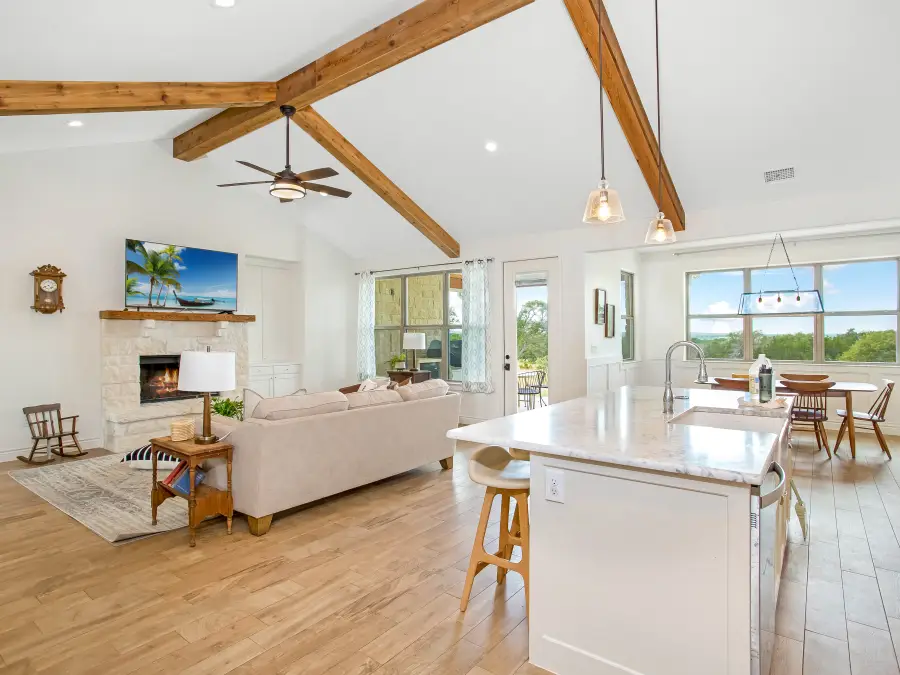
Built for working photographers
Consistent real estate photo editing, backed by years of client work.
Before you send a full property shoot, review our editing history, client feedback, and agency-facing work. Then send one of your own images so you can judge the color, window detail, verticals, and overall finish for yourself.
Real estate brands appearing in projects edited for our clients
 Ray White
 Harcourts
 LJ Hooker
 First National
 Professionals
 Raine & Horne
These logos identify real estate brands that appeared in projects submitted by clients. They do not indicate a partnership or endorsement.
What is included
Everything your listing photos usually need, handled in one place.
PixelShouters brings the main real estate photo editing services into one clean workflow: photo enhancement, HDR blending, real estate photo retouching, cleanup, staging, renovation previews, floor plans, aerial edits, and 360 panoramas. Choose a specific service below or send the full property set and we will route each image to the right edit.
 Core editing
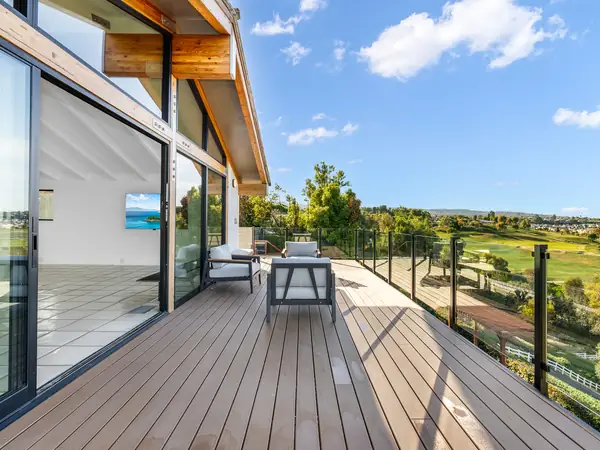
Real Estate Photo Enhancement
Brightness, color, white balance, clarity, and natural polish for everyday listing photos.
View service
Core editing
Real Estate Photo Enhancement
Brightness, color, white balance, clarity, and natural polish for everyday listing photos.
View service
 Interiors
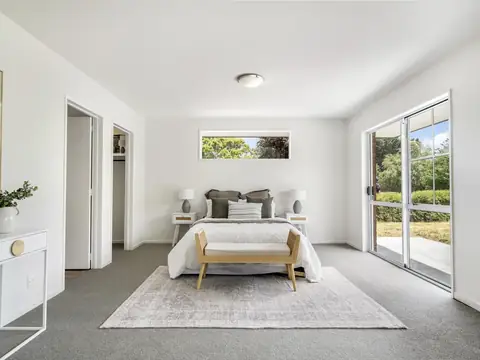
HDR Photo Blending
Balanced interiors, cleaner window detail, and natural exposure from bracketed files.
View service
Interiors
HDR Photo Blending
Balanced interiors, cleaner window detail, and natural exposure from bracketed files.
View service
 Declutter
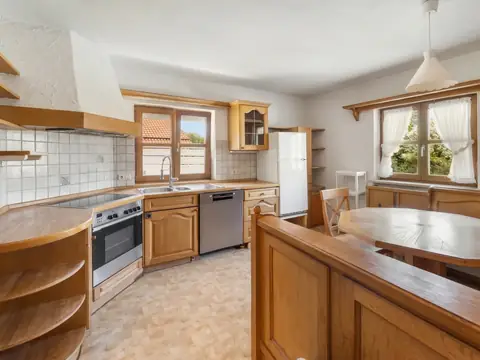
Object Removal
Remove clutter, cords, bins, cars, stains, and distractions without a cloned look.
View service
Declutter
Object Removal
Remove clutter, cords, bins, cars, stains, and distractions without a cloned look.
View service
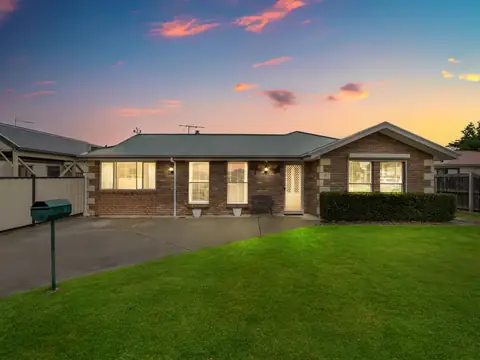 Exterior hero
Day to Dusk Editing
Twilight skies, warm windows, and stronger lead exterior photos for listings and ads.
View service
Exterior hero
Day to Dusk Editing
Twilight skies, warm windows, and stronger lead exterior photos for listings and ads.
View service
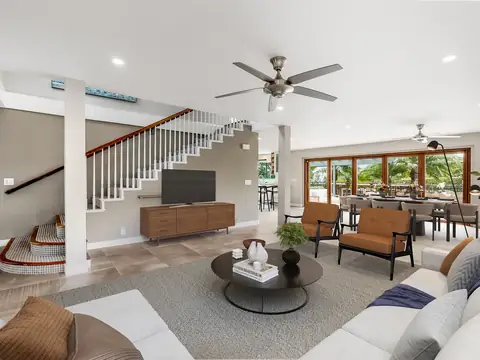 Room marketing
Virtual Staging
Realistic furniture, room purpose, and buyer context for vacant real estate spaces.
View service
Room marketing
Virtual Staging
Realistic furniture, room purpose, and buyer context for vacant real estate spaces.
View service
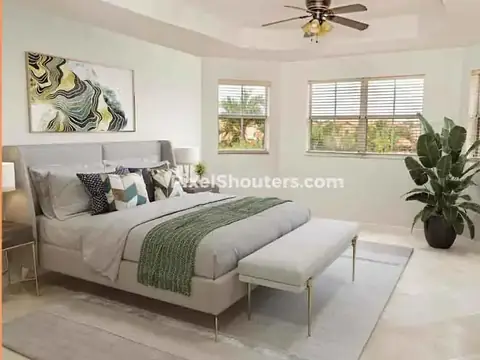 Design preview
Virtual Renovation
Preview new finishes, fixtures, flooring, walls, and design upgrades before renovation.
View service
Design preview
Virtual Renovation
Preview new finishes, fixtures, flooring, walls, and design upgrades before renovation.
View service
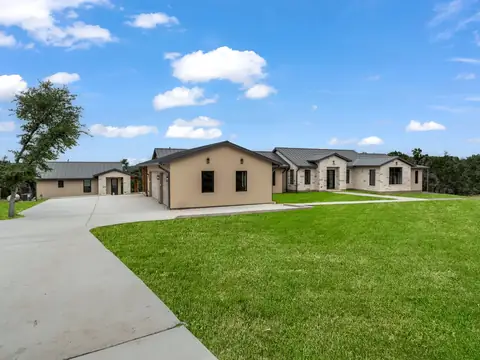 Sky and grass
Sky and Grass Replacement
Cleaner skies and greener lawns matched to the original light for a natural exterior listing photo.
View service
Sky and grass
Sky and Grass Replacement
Cleaner skies and greener lawns matched to the original light for a natural exterior listing photo.
View service
 Drone
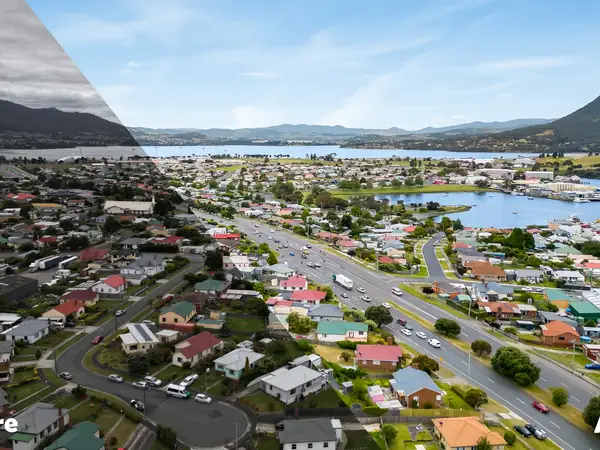
Aerial Photo Editing
Drone image color, clarity, perspective, and property context for land and exterior views.
View service
Drone
Aerial Photo Editing
Drone image color, clarity, perspective, and property context for land and exterior views.
View service
 Plans
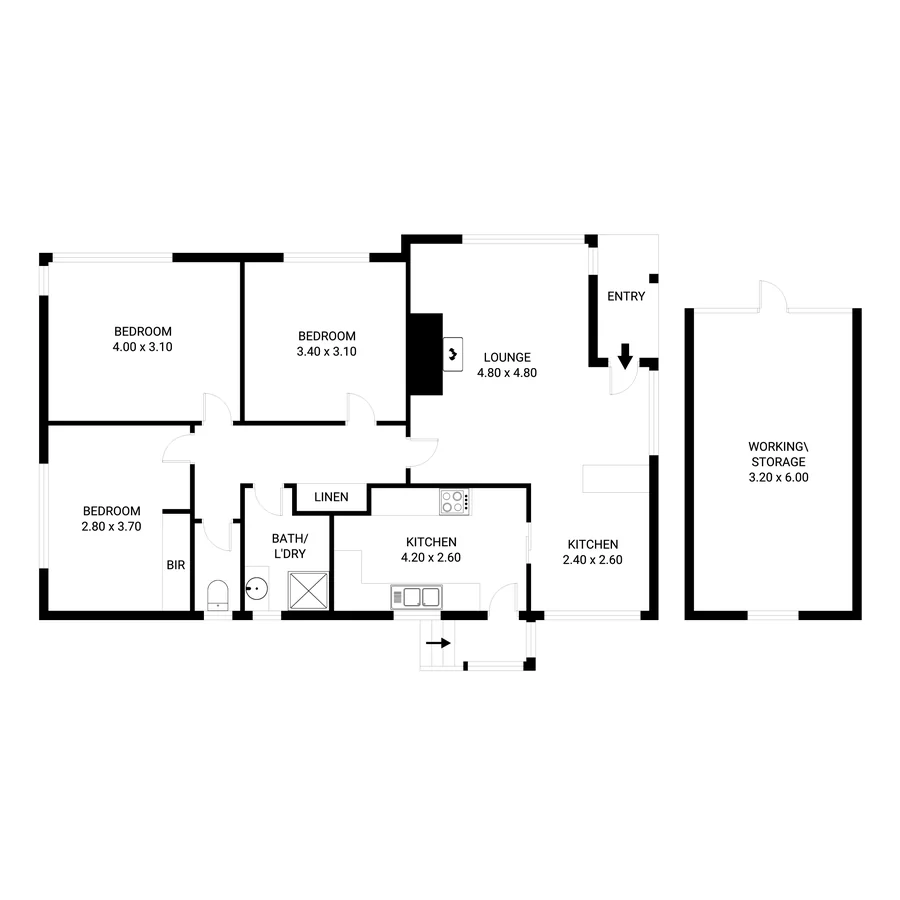
Floor Plan Redraws
Clean 2D and 3D floor plans from sketches, scans, Matterport files, or existing plans.
View service
Plans
Floor Plan Redraws
Clean 2D and 3D floor plans from sketches, scans, Matterport files, or existing plans.
View service
 Virtual tours
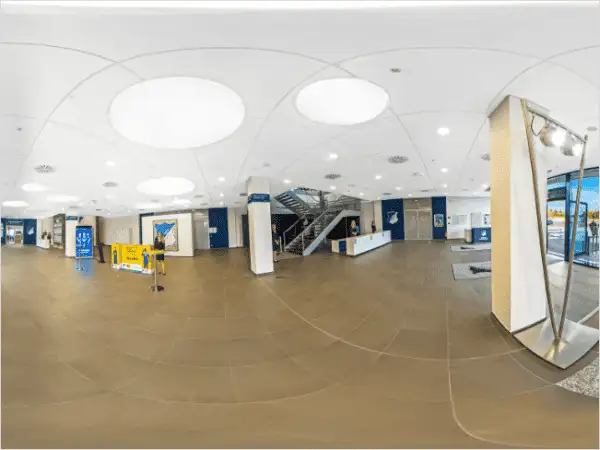
Panorama and 360 Stitching
Seamless wide-angle and 360-degree panoramas for virtual tours and property pages.
View service
Virtual tours
Panorama and 360 Stitching
Seamless wide-angle and 360-degree panoramas for virtual tours and property pages.
View service
Detailed editing support
The small corrections that make a listing gallery feel professional.
Most real estate photo editing work is won or lost in the quiet details: clean whites, straight architecture, believable shadows, sharp fixtures, natural windows, and a full gallery that looks like one consistent shoot.
- Professional tools are used for careful retouching, exposure blending, perspective correction, and final file preparation.
- Every property set is reviewed by a human editor for color, realism, and image-to-image consistency.
- Final images can be prepared for MLS listings, property websites, brochures, social posts, and client proofing.
For photographers and agencies
Photo editing services for real estate photographers who need consistent output.
Your editor should make delivery easier without making every listing look generic. Send a reference gallery, your usual file types, and a realistic weekly volume so the editing can follow the way you already shoot and deliver.
Edits that still look like your work
Share a finished gallery or reference edit so we can match your brightness, color, window detail, and overall finish.
Reliable help during busy weeks
Send several listings with clear batch notes and receive consistent galleries on an agreed delivery schedule.
Standard edits and retouching together
Keep HDR blending, color correction, object cleanup, and advanced retouching in the same order instead of using separate editors.
One order, the right mix of edits
Build each editing order around what the listing actually needs.
Most listings need more than one type of real estate photo editing. A complete order may combine HDR blending, color correction, object removal, virtual staging, floor plans, aerial editing, or twilight conversion so the full property gallery feels polished, consistent, and ready for buyers.
Standard listing edit
The base workflow for most real estate photo editing orders: make the full gallery bright, clean, straight, and consistent without making the property look fake.
- HDR photo blending and window pull
- White balance, tone, contrast, and sharpening
- Vertical and horizontal straightening
- Noise reduction and final MLS-ready export
Marketing polish add-ons
Add these when the listing needs stronger buyer appeal beyond basic enhancement. This is where small distractions, weak exteriors, and hero-image problems get handled.
- Object removal and small-detail cleanup
- Sky and grass replacement for exterior photos
- Day-to-dusk or twilight exterior editing
- TV screen replacement and reflection cleanup
Property marketing assets
Use these when photos alone are not enough to explain the space. They help buyers understand layout, scale, room purpose, and the property story.
- Virtual staging for vacant rooms
- Virtual renovation previews
- 2D and 3D floor plan redraws
- Aerial editing and 360 panorama stitching
For photographers, agencies, and agents
Editing support that fits the way you work.
A solo photographer, a multi-shooter agency, and a real estate agent do not send the same files or work to the same deadlines. We adjust the editing, communication, and delivery process around your volume and style. Start with a real shoot so you can judge the results before sending regular listing work.
Spend less of your week behind a screen.
Send bracketed files, style notes, and reference edits. We keep the output consistent so your brand still feels like yours.
One editing desk for the whole property set.
Use one workflow for HDR, enhancement, virtual staging, object removal, floor plans, aerial, and twilight instead of managing scattered vendors.
Get listing visuals ready without editing stress.
Use professional edits when a property needs cleaner photos, stronger exterior images, or a faster path from prep to launch.
Clear editing quotes
Get a quote that matches the way you shoot and deliver.
Every shoot is different. A bracketed interior set, a single twilight conversion, and a virtually staged room require different amounts of editing. Send a representative gallery and we will separate the standard edits from advanced retouching or add-ons before we quote the work.
Use our real estate retouching workflow and 25-point quality checklist to define the brief and review the finished gallery.
Before and after
Better photos, without the fake look.
Overdone edits can make a property feel artificial. We focus on believable brightness, corrected color, straight architectural lines, clean details, and outdoor improvements that still match the real property.
- Window pull and HDR exposure blending for difficult interiors
- White balance, tone, color, and contrast shaped for real estate listing platforms
- Clutter and distraction removal when it improves buyer focus
- Lens distortion, horizon, and vertical correction for a professional finish
- Consistent output for repeat photographers and agencies
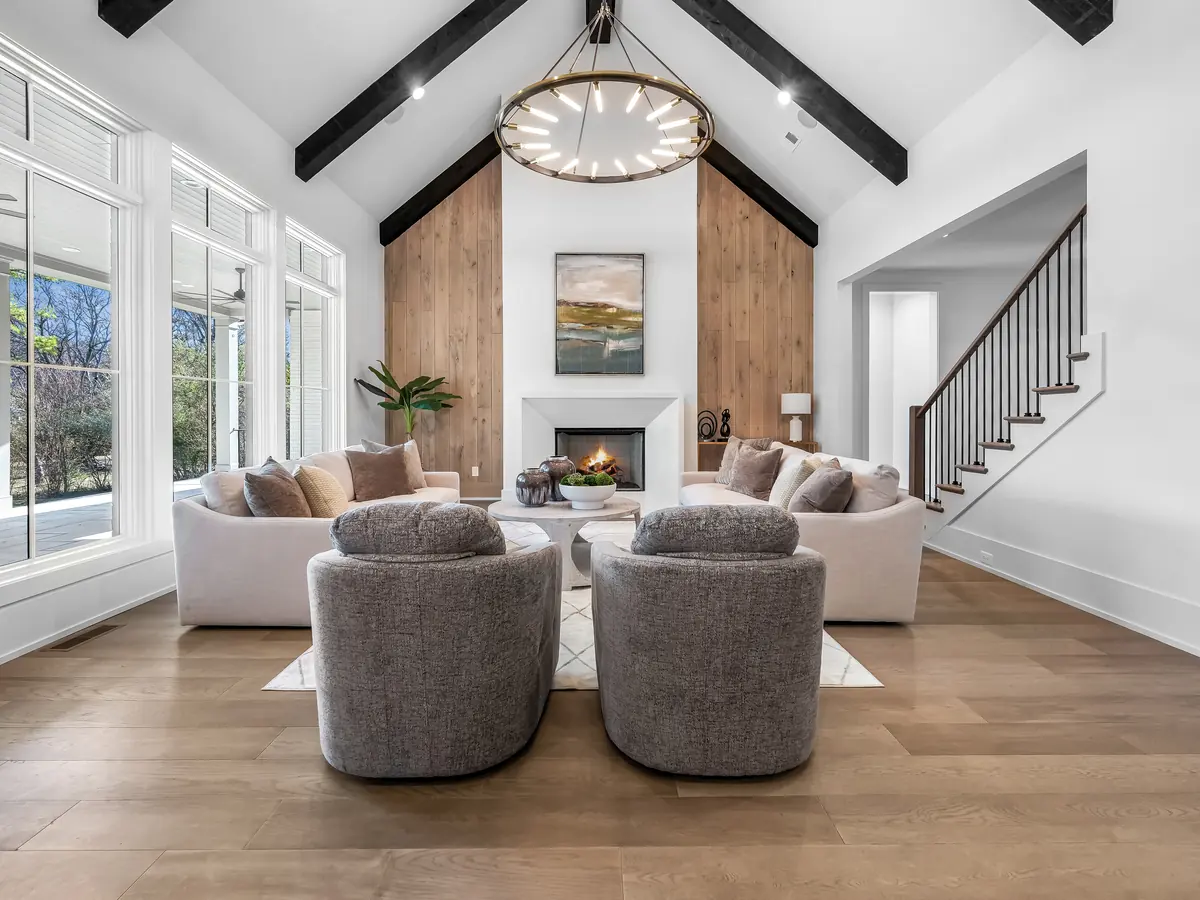
What clients say
What photographers say about working with PixelShouters.
Real estate photographers come back when their galleries stay consistent and their deadlines stay on track. These public reviews mention the details that matter most in day-to-day work: careful editing, clear communication, reliable turnaround, and consistent results across multiple properties.
Hands down the best editor I have worked with. Excellent attention to detail, consistency, communication, and fast turnaround.Mark CarrierMay 18, 2022
PixelShouters has become an amazing partner with our company. Whenever we need multiple properties edited, they come through and leave our clients satisfied.Matt ValdezJun 25, 2022
Each time I need their services for real estate photos, they are prompt and courteous. I can depend on their quality and consistency.Dana LindnerJul 15, 2020
Portfolio preview
Preview the finished quality your listings can receive.
These real estate photo editing examples show how interiors, exteriors, staging, cleanup, twilight, and aerial images can share one clean, listing-ready finish across the full property gallery.
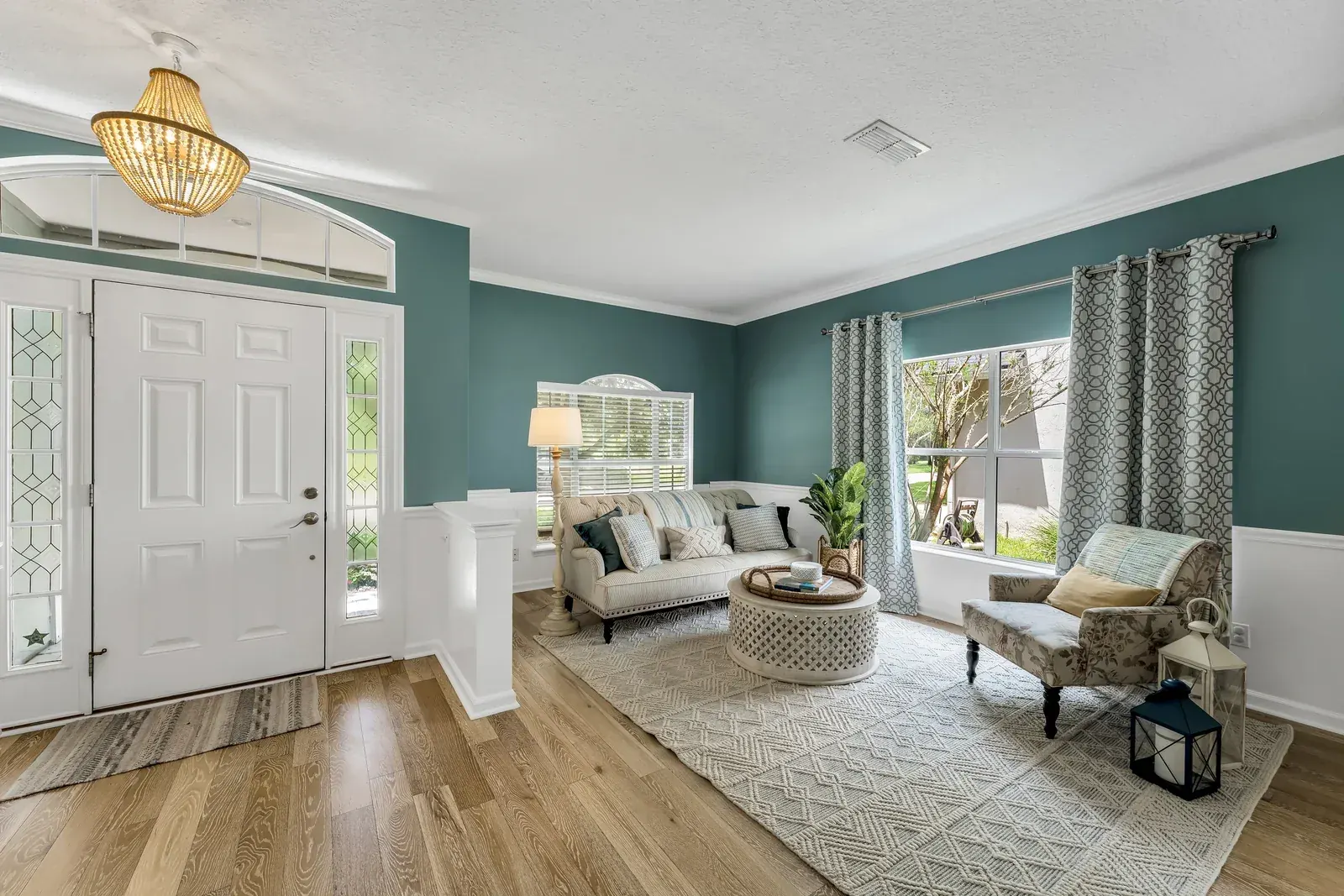
Image Enhancement
Natural interior and exterior corrections for cleaner listing galleries that still feel true to the property.
View real estate photo enhancement examples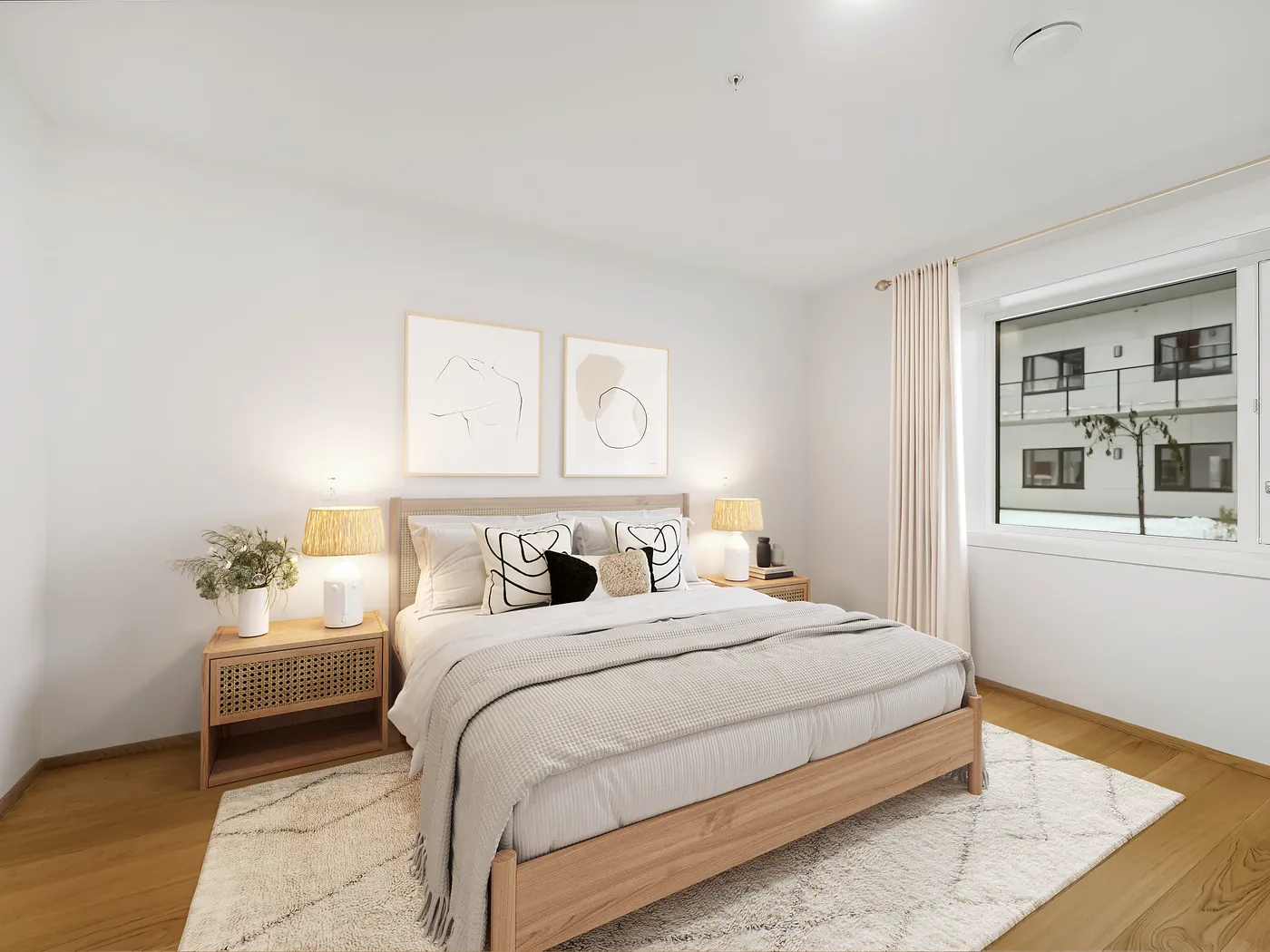
Virtual Staging
Furniture, styling, and room purpose added to vacant spaces so buyers can understand scale and lifestyle.
View virtual staging before and after examples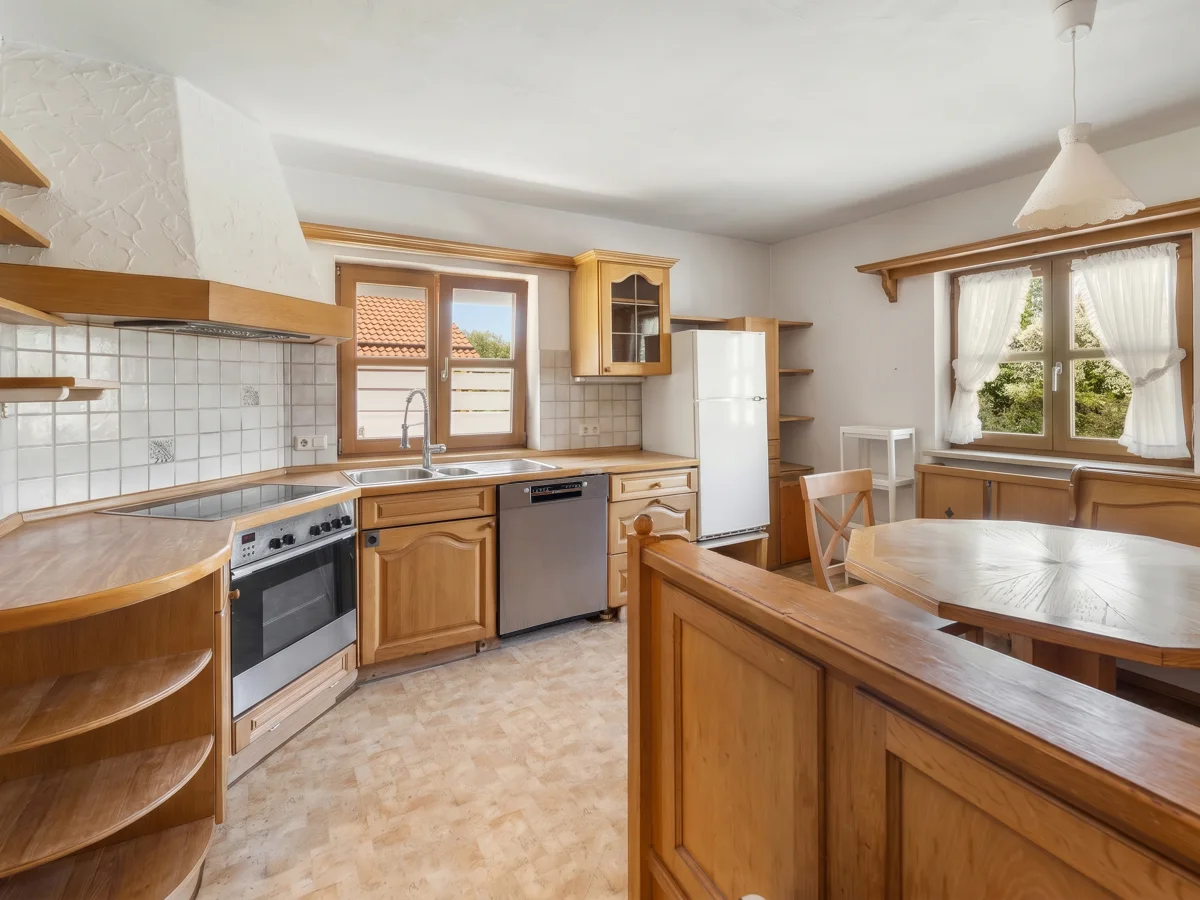
Object Removal
Clutter, temporary items, stains, cords, bins, and visual distractions removed while preserving the property.
View object removal photo editing examples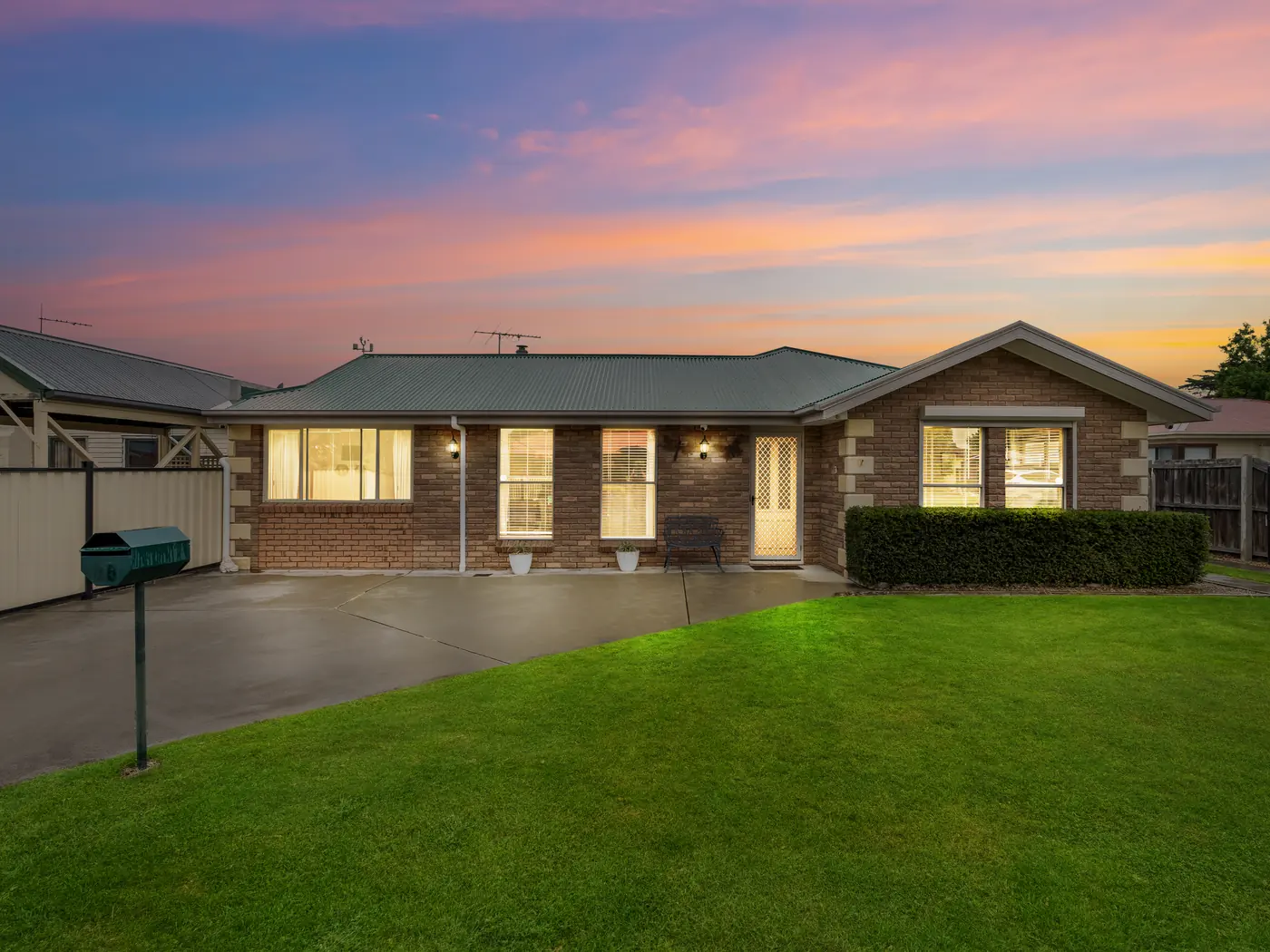
Day to Dusk / Twilight
Daylight exteriors converted into polished twilight listing images with warmth, sky detail, and balanced exterior color.
View day to dusk editing examples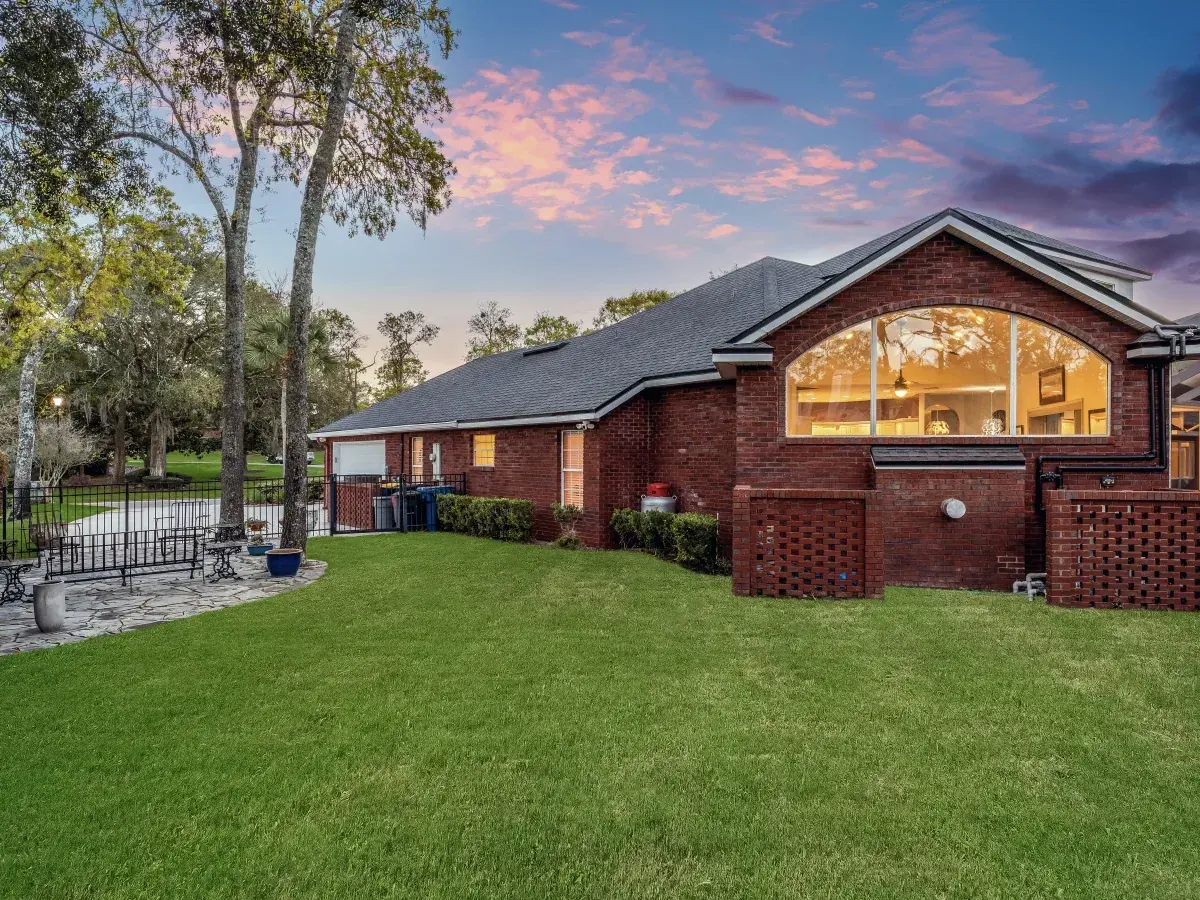
Sky and Grass Replacement
Realistic sky replacement, lawn greening, twilight enhancement, and exterior cleanup for stronger real estate listing photos.
View sky and grass replacement examples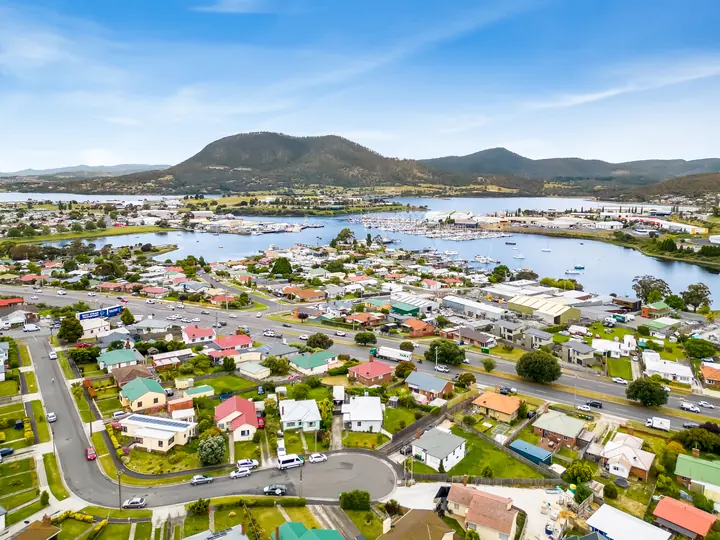
Aerial Photo Editing
Drone photo correction for clearer color, location context, property scale, and listing presentation.
View aerial real estate photo editing examplesConsistency
How we keep your edits consistent from one order to the next.
Good editing is not just one strong after image. It is the same color, brightness, crop rules, and retouching judgment across the whole property set, then across the next property too.
Quality checks
The small details buyers notice first.
Strong real estate photo editing should make the full listing feel clean, consistent, and easy to trust. Every service has a different job, but the final gallery still needs one natural finish: believable color, clear rooms, straight architecture, useful details, and images that help buyers understand the property faster.
- Interiors stay bright while keeping depth, texture, and believable shadows.
- Sky, grass, aerial, and twilight edits match the real lighting and property setting.
- Virtual staging and virtual renovation follow room scale, buyer type, and listing tier.
- Panorama and floor plan requests are checked for usability before production.
- The full gallery keeps one consistent editing style from first image to last.
Ready for your next listing
Real estate photo editing that works around your schedule.
Keep your shoots moving with natural, consistent listing photos. Get standard photo enhancement and HDR editing in 12 hours, with your style and delivery requirements agreed upfront.
12-hour standard delivery
Receive standard photo enhancement and HDR edits within 12 hours after your files and brief are confirmed. We agree a delivery time for complex retouching, specialist services, and large batches before work begins.
Your style, across every image
Share a reference gallery so your edited photos follow the look your clients expect. We match brightness, color, and window detail across the property for a consistent finished gallery.
Files ready for your listing
Tell us where your photos will be published. We prepare the agreed image sizes and formats, with clear pricing and revision terms before editing starts.
See the difference in our before-and-after portfolio, read client reviews, or try your first image free.
Process
Here is how your first order works.
Start small, test the style, and scale only when the result feels right for your brand.
Send a real property set
Include your usual files, style notes, reference edits, and anything the client specifically asked for, including staging, cleanup, floor plan, or panorama notes.
We match the style
The edit is built around natural color, clean lines, realistic retouching, and the look you want clients to recognize across the full listing gallery.
You review and scale
Check the final files, request adjustments if needed, then use the same workflow for repeat orders, bulk editing, or regular agency production.
Choose the right editing setup
Compare editing options for your real estate photography business.
A freelance editor, an outsourced editing team, and an automated tool can each suit a different workload. Compare how they handle your editing style, full listing galleries, detailed retouching, quality checks, and busy-week capacity.
Comparing specific editing providers?
Use our PhotoUp alternative guide, Phixer alternative guide, and Pixlmob alternative guide to compare workflows and the questions to ask before a sample order. Check each provider's current terms before deciding.
Choose the right edit
Which edit should you ask for?
If you are not sure what to request, start with the problem you see in the photo.
Guides for photographers
Helpful reading before you outsource your editing.
If you are deciding whether to outsource, these guides cover what to test, how to compare editing options, when AI is useful, and how turnaround affects your client delivery schedule.
BoxBrownie Review: Is It Still Worth It for Real Estate Photo Editing?
A practical look at ordering, available services, repeat workflow needs, and what to test before changing editors.
Read guide Outsourcing checklistOutsource Real Estate Photo Editing: A Practical Checklist
What to check for image quality, turnaround, communication, revisions, file security, and repeat orders.
Read guide Human editing or AIAI Real Estate Photo Editing for Better Listings
See where automated editing works well and which listing photos still need an experienced human eye.
Read guide Turnaround planningWhy Real Estate Photography Turnaround Time Is Crucial
Plan post-production around listing launches, client expectations, overnight delivery, and weekly shoot volume.
Read guideFAQ
Straight answers before you send a shoot.
Here are the questions most clients ask before they trust us with regular editing work.
Real estate photo editing services usually include photo enhancement, HDR blending, exposure correction, white balance, color correction, perspective correction, image sharpening, real estate photo retouching, object removal, sky and grass replacement, virtual staging, floor plans, aerial editing, and panorama stitching when the listing needs it.
Send a normal property set with the kind of photos you usually deliver: interiors, exteriors, window views, and any problem images you want us to handle. Add a few notes about brightness, color, crops, and the editing style your clients expect.
Yes. Most clients send the full shoot so the final gallery has the same color, brightness, verticals, and finish from room to room. If some images need special work, such as object removal or twilight editing, mark those clearly in the notes.
For standard photo enhancement and HDR work, turnaround is 12 hours after the files and brief are confirmed. Larger batches, heavy retouching, virtual staging, floor plans, or urgent weekend jobs may need a confirmed timeline before we begin.
Rush timing can usually be discussed before production, especially for smaller batches or urgent listings. The exact delivery window depends on file count, service type, editing complexity, and how quickly the brief is confirmed.
That is the goal. We clean the image, balance the light, correct color, straighten lines, and remove distractions without making the home look fake or overprocessed.
Yes. Share a few finished examples and tell us what matters most to you, such as warmer interiors, brighter kitchens, softer shadows, stronger window detail, or a more neutral MLS-ready look.
Yes. You can send one property set with different notes for different images. We can handle standard enhancement, object removal, virtual staging, day-to-dusk conversion, sky and grass work, aerial cleanup, panorama stitching, virtual renovation, and floor plan redraws in one workflow.
Yes. When the source images are photographed with enough overlap, we can stitch and polish panoramas for virtual tours, wide room views, and property marketing pages.
We keep your style notes, reference examples, and delivery preferences tied to your workflow. That way the next order does not start from zero, and your client sees a consistent editing style across properties.
Pricing depends on what the images need, how many files you send, and how quickly you need them back. A straightforward enhancement set is different from detailed object removal or virtual staging, so the best first step is to send a real sample set for review.
Yes. PixelShouters can support real estate photography editing for photographers and agencies shooting multiple listings per week. We use reference edits, saved style notes, batch instructions, and gallery-level review so repeat orders stay consistent.
Yes. A single order can include real estate picture editing, photo retouching, HDR blending, color correction, vertical correction, object cleanup, twilight edits, and final MLS-ready exports when the listing needs them.
Compare sample quality, natural color, window detail, retouching realism, revision handling, turnaround, communication, portfolio proof, and whether the editing service can match your existing photography style before you scale.
Ready for a cleaner editing workflow?
Send one property set and judge the result yourself.
Start with a real shoot, compare the output, and scale the workflow only if the results match your standards for color, clarity, realism, communication, and delivery.